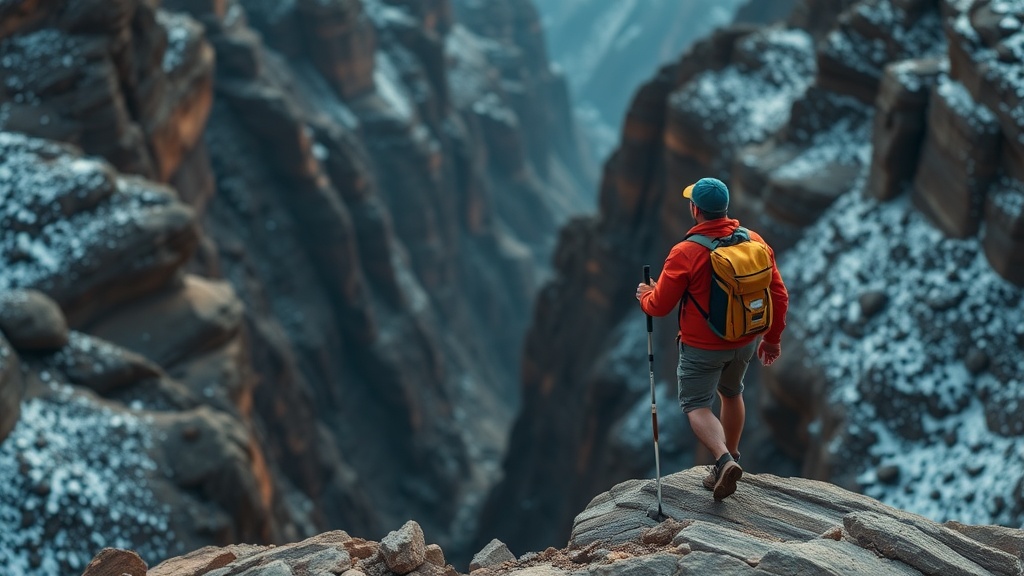
Keeping Your GPS Tracker Signal Strong in Deep Canyons

Quick Tip
Always keep your GPS device with a clear line of sight to the sky and avoid keeping it deep inside a backpack or under heavy clothing.
Why Does My GPS Signal Drop in Canyons?
You’re halfway down a technical descent in the Grand Canyon, and suddenly your Garmin inReach or Zoleo shows a "Searching for Satellites" alert. It’s not a broken device. The canyon walls are physically blocking the line of sight between your receiver and the orbital constellation. High-frequency signals don't bend well around rock—they hit a wall and stop.
When you're in a deep topographical depression, your "sky view" shrinks significantly. This is a physics problem, not a hardware failure. Even a high-end Garmin satellite communicator needs a clear window to talk to the satellites overhead.
How Can I Improve My GPS Signal Strength?
Positioning your device higher and away from vertical obstructions is the fastest way to regain a connection. If you're hiking through a slot canyon, don't keep the device tucked in a deep backpack pocket.
Here’s how to handle signal loss based on your gear:
- The "High Ground" Rule: If you stop for a break, move to a ledge or a slightly higher elevation. Even a few feet can change your satellite geometry.
- Clear the Obstruction: Don't keep your tracker under a heavy tent fly or inside a thick jacket. The more layers between the antenna and the sky, the harder it is to maintain a handshake.
- External Antennas: If you use a dedicated GPS unit, ensure the antenna is pointed toward the widest part of the sky.
I've seen people lose contact during SAR drills simply because they kept their device inside a metal-lined backpack or under a heavy wool layer. That's a mistake you don't want to make when the weather turns. It's also worth checking GPS technical specifications to understand how many satellites your device actually needs to lock onto for a reliable fix.
Which GPS Device Works Best in Rugged Terrain?
The best device is the one that maintains a connection through the most interference. While many people rely on smartphone apps, a dedicated handheld unit often has a better antenna design than a phone hidden in a pocket.
| Device Type | Pros | Cons |
|---|---|---|
| Smartphone + App | Cheap, always on you | Weak antenna, high battery drain |
| Dedicated Handheld | Stronger signal, rugged build | Expensive, more weight |
| Satellite Messenger | Emergency SOS, long battery | Requires subscription, slow data |
If you're worried about your phone dying while you're out there, check out my guide on preventing battery drain in your smartphone while hiking. It’s a good way to keep your backup navigation running longer.
Keep your device visible. Keep your line of sight clear. It's that simple—and that frustrating.