Optimizing Your Smartphone's Battery Life for Low-Signal Wilderness Areas

Quick Tip
Switch to Airplane Mode when you don't actively need data to stop your phone from constantly searching for a signal.
The Silent Battery Killer: Signal Hunting in the Backcountry
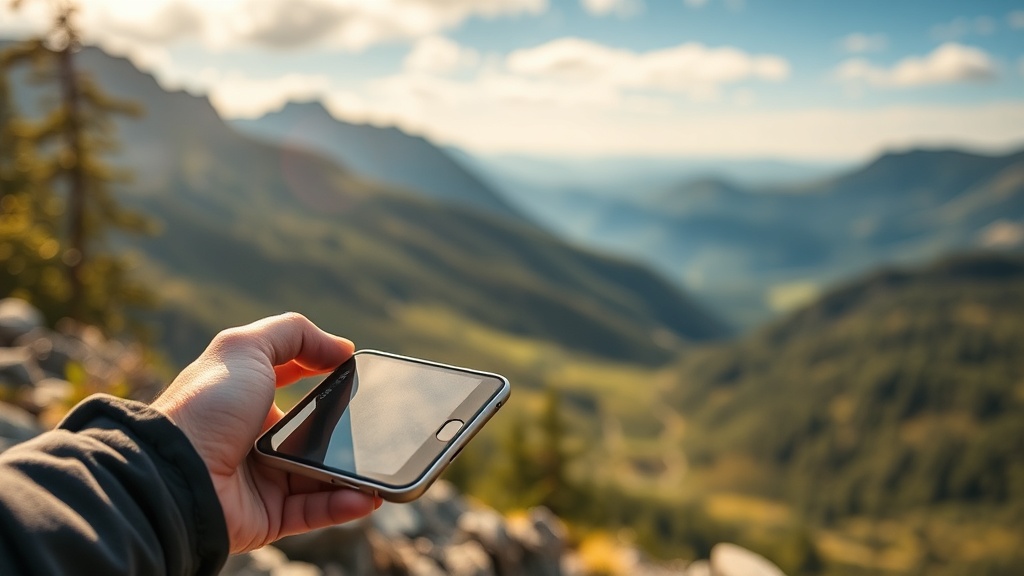
A hiker stands on a ridge in the High Sierras, holding a smartphone high above their head. They are trying to check a topo map or send a quick SOS via satellite, but the device is stuck in a loop. Every few seconds, the screen lights up as the phone aggressively ramps up power to search for a single bar of LTE. Within twenty minutes, a battery that was at 60% has plummeted to 15%, leaving the user stranded with a dead device just as the sun begins to set.
The issue isn't the battery's capacity; it's the radio frequency (RF) power consumption. When your device enters a "searching" state in low-signal environments like the deep canyons of Zion National Park or dense timber in the Cascades, it increases its voltage to find a connection. This constant polling is one of the most expensive processes for your battery's cost-per-mile utility.
Immediate Mitigation Tactics
To prevent your device from draining itself while you traverse remote terrain, implement these three technical adjustments immediately:
- Toggle Airplane Mode: This is the single most effective way to preserve power. If you do not actively need to receive a call or text, keep the cellular radio completely disabled. Use your device strictly as an offline GPS unit.
- Disable Background App Refresh: On both iOS and Android, apps like Instagram, Google Maps, and even weather widgets constantly ping towers for updates. Go into your settings and manually revoke background data permissions for non-essential apps.
- Switch to Offline Maps: Instead of relying on live data, download high-resolution areas in Gaia GPS or AllTrails before you leave your trailhead. This ensures your phone is reading local files rather than attempting to stream data over a weak connection.
Advanced Power Management
If you are planning a multi-day trek where power is a finite resource, you must treat your smartphone as a specialized tool rather than a general-purpose computer. Minimize the use of the high-brightness OLED or LCD screens, as these are secondary power drains. If you are using your phone for navigation, consider pairing it with a dedicated GPS device or a ruggedized power bank to supplement your kit. For those looking to build a more robust energy setup, check out our guide on solar charging for long-haul trekking to ensure your electronics remain operational throughout your journey.
"A dead phone in the backcountry isn't just a lost luxury; it's a lost safety net. Manage your signal, or the signal will manage your battery life."