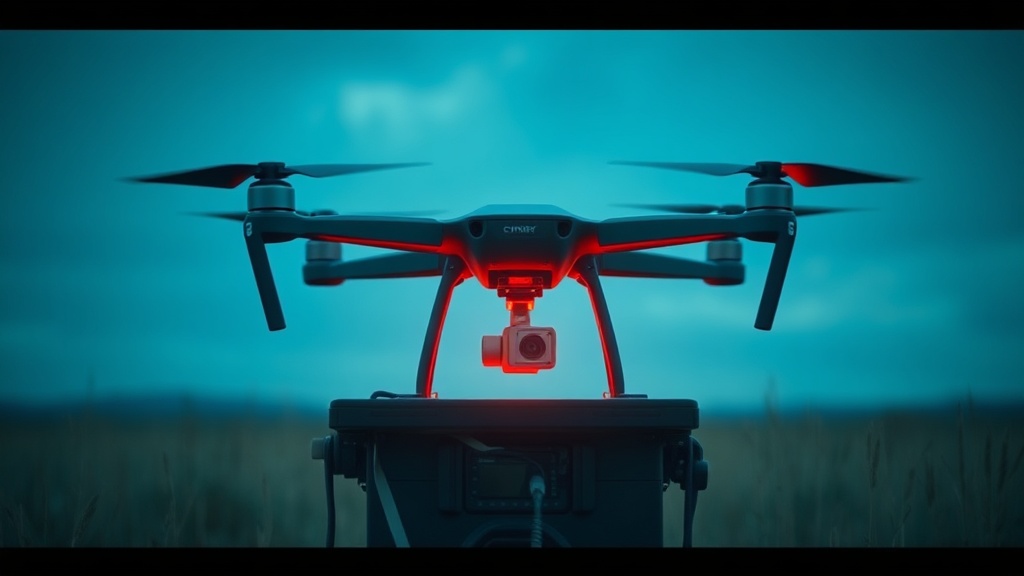
Setting Up Your Mobile Drone Mapping Station for Field Surveys

This guide outlines the specific hardware, software, and organizational requirements for building a mobile drone mapping station capable of high-precision field surveys. You will learn how to select a reliable power architecture, configure a field-ready data processing workflow, and manage high-capacity storage to ensure your aerial photogrammetry or LiDAR data is captured and secured without downtime.
The Core Components of a Mobile Mapping Station
A professional drone mapping station is more than just a laptop and a drone. It is a modular system designed to handle heavy computational loads, massive data throughput, and unpredictable environmental conditions. When you are operating in remote areas—whether it is a construction site in the High Desert or a forestry survey in the Pacific Northwest—your setup must prioritize redundancy and durability.
High-Performance Computing and Field Laptops
Mapping software like Pix4Dmatic or Agisoft Metashape requires significant CPU power and, more importantly, dedicated GPU resources to process point clouds and orthomosaics. For a mobile station, do not settle for a standard ultrabook. You need a workstation-class laptop with a minimum of 32GB of RAM and a dedicated NVIDIA RTX graphics card. The DJI Mavic 3 Enterprise or the Autel EVO II RTK generates massive datasets that will crash a machine with integrated graphics.
If you are working in high-altitude or high-temperature environments, thermal throttling is your biggest enemy. I recommend looking at ruggedized laptops like the Panasonic Toughbook series or high-end gaming laptops with advanced vapor chamber cooling. If the machine throttles during a data transfer or a flight planning session, you lose valuable daylight.
Power Management and Redundancy
The most common failure point in mobile mapping is not the drone, but the power supply. A standard portable power station like a Jackery Explorer or a Goal Zero Yeti is essential, but you must calculate your total watt-hour requirement before leaving. If you are running a laptop, a high-brightness monitor, and charging four TB60 batteries for a DJI Matrice 300, a small power bank will not suffice.
To maximize efficiency, use a dedicated DC-to-DC charger for your drone batteries rather than converting DC to AC via an inverter. Inverters lose roughly 15-20% of energy to heat during the conversion process. Direct DC charging keeps your "cost-per-mile" low by ensuring more of your stored energy actually goes into your flight batteries.
Data Workflow: Capture to Local Archive
In the field, your primary goal is to move data from the SD card to a secure, redundant storage system as quickly as possible. Relying on a single SD card is a high-risk strategy. If that card fails or becomes corrupted due to a write error during a high-speed flight, your entire survey is lost.
The Three-Tier Storage Strategy
I recommend a three-tier approach to data management to ensure nothing is lost between the field and the office:
- Tier 1: The Capture Medium. Use high-speed V60 or V90 rated microSD cards (such as the SanDisk Extreme Pro) to ensure the drone can write high-bitrate video or high-resolution imagery without buffer lag.
- Tier 2: The Field Transfer. A rugged external NVMe SSD (like the Samsung T7 Shield or SanDisk Professional PRO-G40) acts as your immediate landing zone. These drives can handle the high-speed transfers required when moving hundreds of gigabytes of photogrammetry data.
- And Tier 3: The Local Archive. Once the data is moved from the SD card to the SSD, it should be mirrored to a secondary high-capacity drive. This is where setting up a local digital archive becomes critical for professional-grade reliability.
Managing Data Integrity in the Field
When transferring large datasets in the field, checksum errors are a real threat. Do not simply "drag and drop" files from your drone's SD card to your laptop. Use a utility that performs a verification of the file integrity, such as TeraCopy or a command-line tool like rsync. This ensures that every single image used for your orthomosaic is bit-perfect and free of corruption before you pack up your gear.
Environmental Protection and Field Ergonomics
A mobile station is often set up on the ground, in dirt, or in wind. Your workspace needs to be organized to prevent hardware damage and user error. A disorganized kit leads to lost components and damaged ports.
Station Setup and Organization
Use a ruggedized hard case, such as a Pelican 1510, as your "base of operations." This case should house your laptop, external drives, and cables. I suggest using a modular organizational system like Grid-It or custom foam inserts to keep your cables from tangling. A tangled mess of USB-C, XT60, and power cables is a recipe for a broken connector in the field.
For your actual workspace, a lightweight, foldable camping table (like those from Helinox) provides a stable surface for your laptop and drone controller. Do not attempt to operate your mapping software while sitting on a rock or a log; the lack of a stable surface will lead to input errors and potential spills.
Mitigating Environmental Risks
Dust and moisture are the two biggest threats to your electronics. If you are operating in a desert environment, use a pressurized air canister or a specialized electric blower to clean your drone's sensors and your laptop's ports. If you are working in humid or high-altitude environments, you must be aware of the risks of condensation. When moving from a cold vehicle to a warm, humid field environment, your electronics can fail rapidly. For detailed protocols on this, see our guide on protecting your tech from extreme cold and condensation.
Essential Field Toolkit Checklist
Before you head to your survey site, verify that you have the following "non-negotiable" items. Missing even one of these can result in a wasted trip and a high cost-per-mile for your operation.
- High-Capacity Power Station: Minimum 500Wh for a half-day survey.
- Redundant Storage: At least two high-speed NVMe SSDs.
- Multi-Port USB-C Hub: A high-quality hub (like those from Anker or Satechi) to connect your drone, external drives, and peripherals simultaneously.
- Cable Management: A dedicated pouch for all proprietary charging cables.
- Ruggedized Smartphone/Tablet: For real-time telemetry monitoring and site navigation. If you are working in harsh terrain, consider using rugged outdoor smartphones to ensure your interface remains responsive.
- Cleaning Kit: Microfiber cloths and a handheld air blower for sensor maintenance.
Optimizing for Efficiency: The Cost-Per-Mile Mindset
In professional mapping, time is your most expensive commodity. A "cheap" setup that fails in the field is actually much more expensive than a high-end, reliable kit. If you spend three hours troubleshooting a power connection or a corrupted SD card, you have lost the ability to capture the necessary lighting conditions for your survey.
When building your mobile station, calculate the value of your time. If a $300 specialized drone battery charger saves you 20 minutes of downtime per day, it will pay for itself within a single week of field operations. Always prioritize gear that offers high MTBF (Mean Time Between Failures) and clear, documented specifications over gear that simply has a lower price tag. A professional mapping station is an investment in your ability to deliver high-quality, repeatable data on schedule.
Steps
- 1
Select a High-Performance Mobile Processor
- 2
Configure High-Speed External Storage
- 3
Install Essential Photogrammetry Software
- 4
Set Up a Portable Power Station