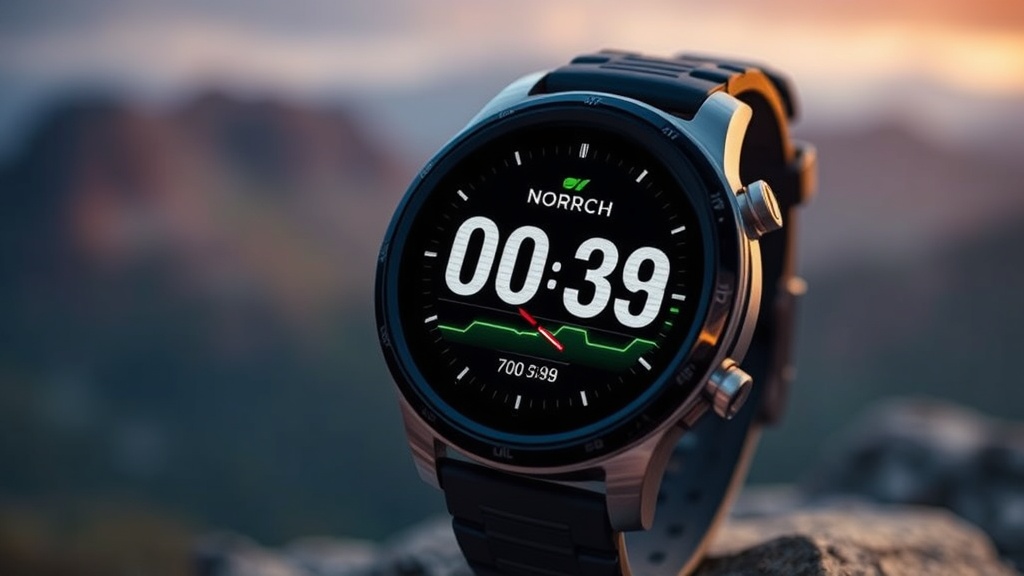
Stop Letting Your Smartwatch Drain Your Battery on Long Hikes

Quick Tip
Turn off continuous heart rate monitoring and reduce GPS polling frequency to significantly extend your wearable's battery life.
Is your smartwatch a reliable navigation tool or just a dead weight by noon?
Most hikers treat their Garmin Fenix or Apple Watch Ultra like a smartphone, expecting it to handle notifications, music, and constant connectivity. However, if you are out on a multi-day trek through the High Sierra or the Cascades, these features are the fastest way to kill your battery. This post covers the essential settings you need to toggle to ensure your device remains a functional tool rather than a useless piece of glass when you actually need to check your waypoint or GPS track.
Disable the "Always-On" Display
The single biggest battery drain on modern wearables is the Always-On Display (AOD). While it looks sleek in a coffee shop, it is a liability in the backcountry. Switching to a "Gesture-to-Wake" or "Tilt-to-Wake" mode saves a massive amount of power. On a Garmin Instinct 2, for example, disabling the constant screen illumination can extend battery life from a few days to several weeks. If you are relying on a device for critical navigation, you want that energy reserved for the GPS sensor, not for showing you the time every thirty seconds.
Kill the Constant Connectivity
Your watch is constantly searching for a Bluetooth connection to your phone or a Wi-Fi network. In low-signal areas, the device will ramp up power consumption as it tries to re-establish these links.
- Toggle Airplane Mode: If you aren't using your watch for smart notifications, put it in Airplane Mode.
- Disable Music Streaming: Instead of streaming via Bluetooth, use a device that supports local storage (like the Apple Watch Ultra or Garmin Epix) and load MP3s directly onto the device to avoid constant data polling.
- Limit Sensor Frequency: High-frequency heart rate monitoring is great for training, but if you are just tracking a long-distance hike, reducing the sampling rate will preserve your mAh.
Optimize Your Power Strategy
A smart device is only as good as its power source. If you are planning a long-haul expedition, you should treat your watch as part of a larger energy ecosystem. This includes optimizing your solar charging kit to ensure you can top off your devices at camp. Furthermore, if you are also relying on a handheld GPS or a mobile device, remember that optimizing your smartphone's battery life is just as critical to your overall safety margin.
Pro Tip: When the battery drops below 20%, most watches enter a "Power Save" mode that limits GPS accuracy. Do not wait for this threshold to start being aggressive with your settings; manage your power from the moment you hit the trailhead.